
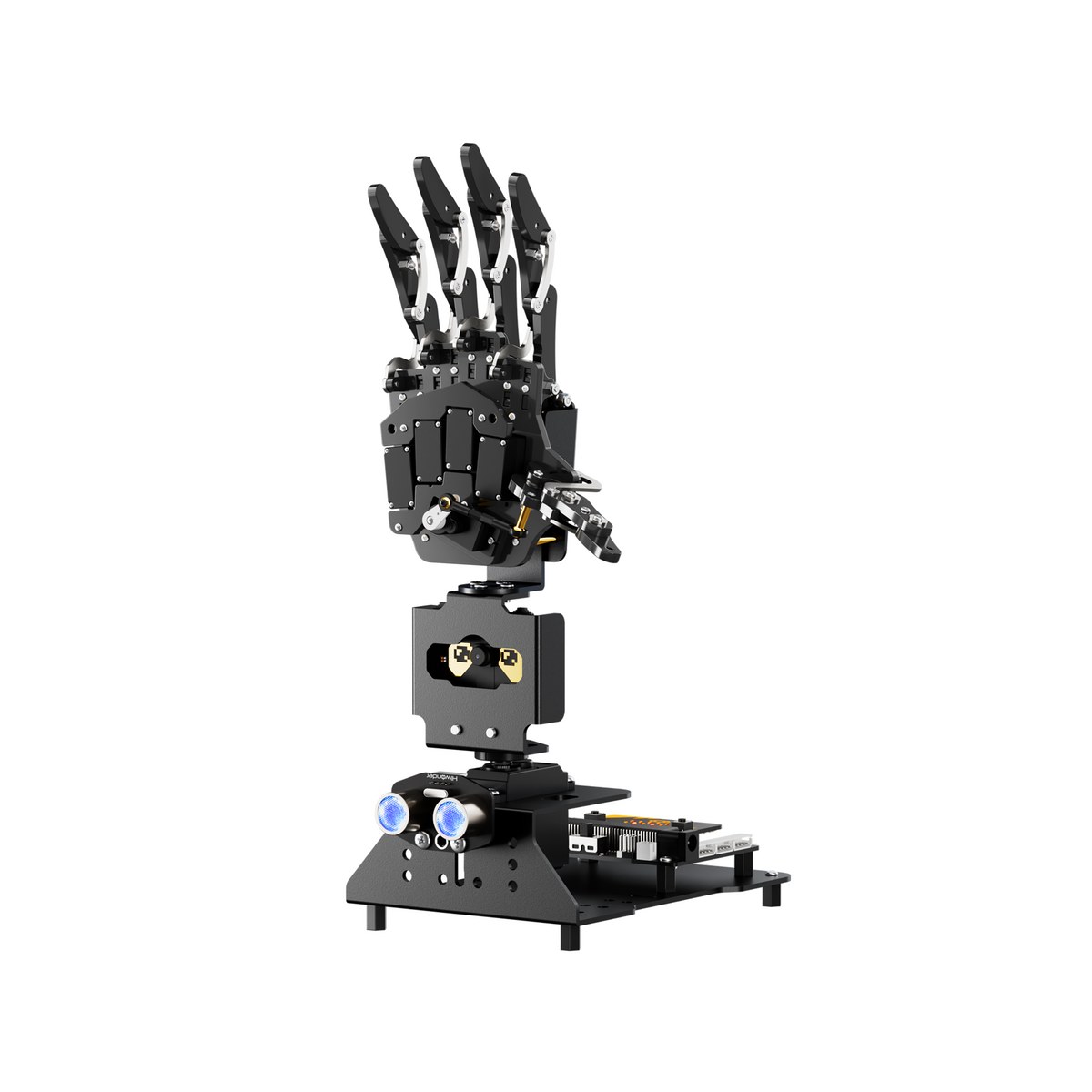
03 · Precision robot hand
AI Hand
Learn human-robot interaction through a robot hand
- Recommended for
- Upper elementary to middle school
- Recommended hours
- 3~6차시
Control servo motors, build finger movement, and design gestures — learning joint mechanics and precision control that extend into assistive tech and humanoids.
01 Overview
Overview
AI Hand is a precision-controlled robot hand modeled after the human hand, letting students experience human-robot interaction.
Servo-based finger control, gesture design, and AI-vision-linked activities extend learning into assistive technology and humanoid robotics.
A strong fit for engineering career experiences and AI-convergence classes, delivering rich learning even in short sessions.
02 Key Features
Key Features
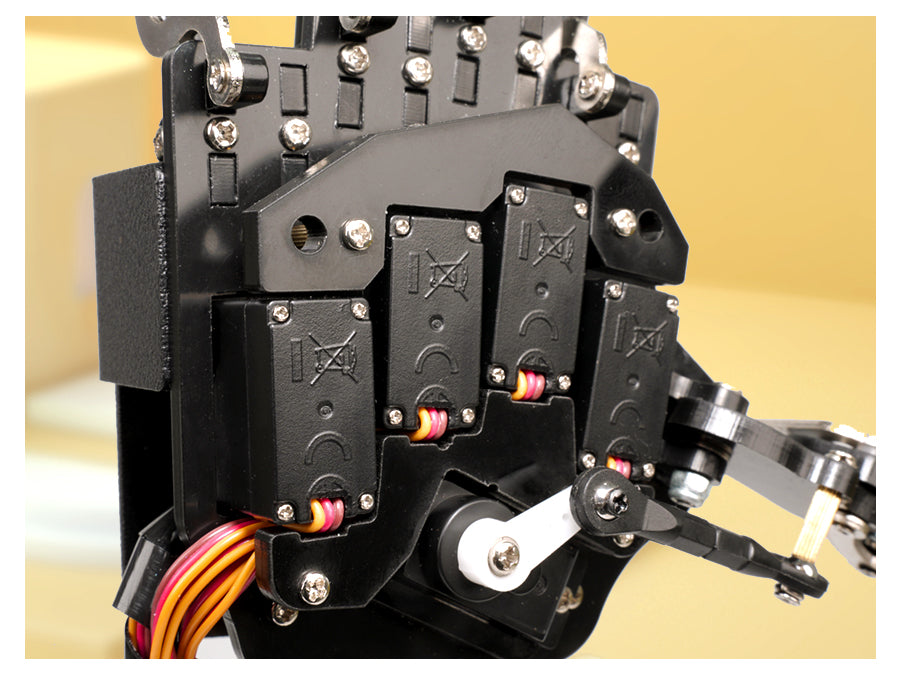
Precise finger control
Move each finger independently to learn precision-control principles.
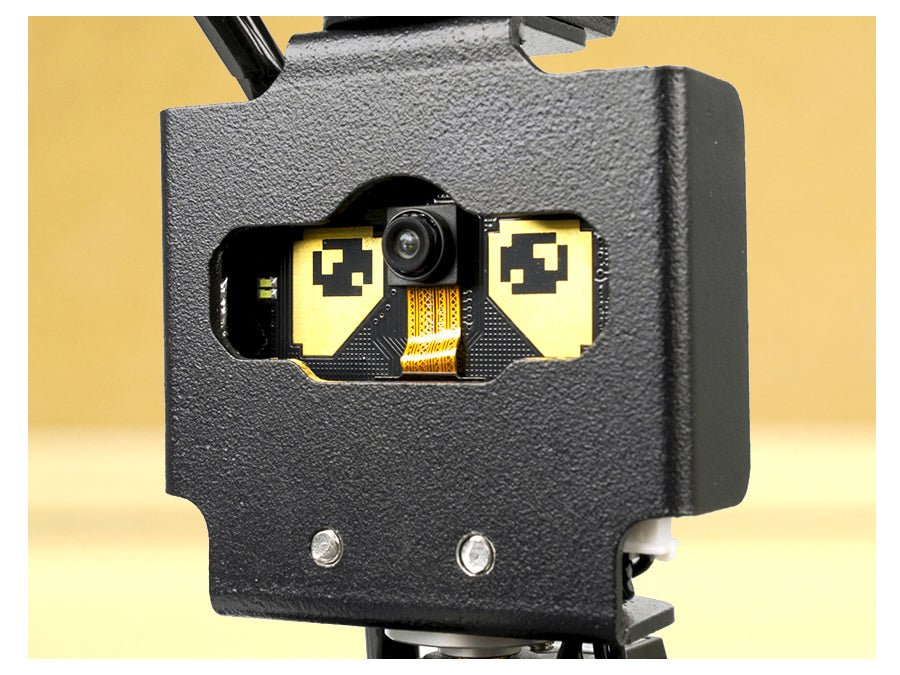
Gesture recognition
Build interactions that mirror the user's gestures.
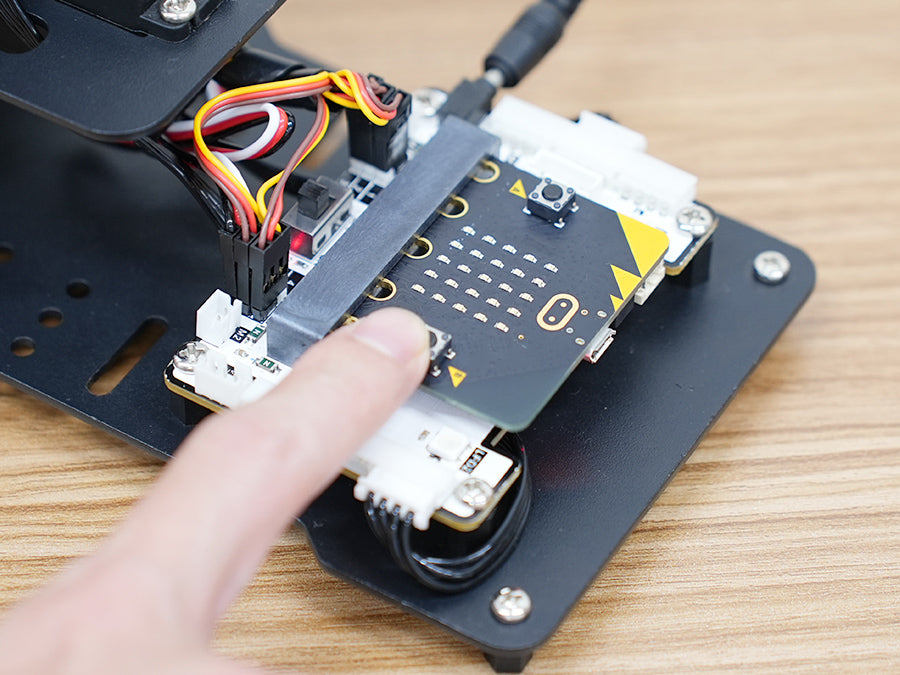
AI vision integration
Vision recognition results drive hand motions for AI-convergence practice.
Assistive tech use cases
Connects with rehabilitation and assistive tech for social-value learning.
Block coding support
A block-coding environment friendly to elementary learners.
Great for short sessions
Optimized for 3–6 session runs, ideal for career fairs and camps.
03 Education Points
Education Points
01
Student-led hands-on lessons
Students control the robot themselves to internalize concepts.
02
Sensor-data problem solving
Learners analyze sensor data to complete missions.
03
AI recognition drives robot actions
AI vision and voice recognition results are mapped to robot behavior.
04
Team projects and presentations
Teams complete missions and share their results.
05
Career and advanced exploration
Extends into engineering / AI career exploration and deeper projects.
06
Camp and expo booth use
Suitable for rotating booths and camp missions.
04 Class Structure
Class Structure
| Step | Class name | Core concept | Activity | Est. hours |
|---|---|---|---|---|
| Step 1 | Understand robot structure | Hardware and operating principles | Review parts and follow assembly guide | 1 session |
| Step 2 | Basic control practice | Movement and motion control | Code and run basic motions | 1 session |
| Step 3 | Sensor / AI experience | Sensor data and AI recognition | Practice with sensors and AI modules | 1–2 sessions |
| Step 4 | Mission challenge | Problem-solving thinking | Take on tiered missions | 1–2 sessions |
| Step 5 | Team project and demo | Convergent, creative thinking | Plan and present a team project | 1–2 sessions |
05 Available Formats
Available Formats
06 Specifications
Specifications
| Product Name | AI Hand (AiHand) |
|---|---|
| Dimensions | 177 × 105 × 295 mm |
| Weight | ~0.73 kg (body + micro:bit + expansion board) |
| Body Material | Acrylic, aluminum alloy |
| PTZ Angle | 180° |
| Main Controller | micro:bit V2 + dedicated expansion board |
| AI Vision Module | WonderCam (supported) |
| Servo Motors | LD-1501MG × 1, LFD-01 × 5 |
| Power | 7.5V 3A adapter (DC 3.5×1.35) |
| Communication | Bluetooth, USB |
| Control | Dedicated app (iOS / Android) |
| Programming | Block coding (MakeCode) / Python |
| Recommended For | Upper elementary – Middle school |
| Recommended Sessions | 3–6 sessions |
07 What's Included
What's Included
Base kit
Updating soon- Robot body
- Dedicated controller / board
- Sensor and cable modules
- Charger and power cable
- Storage case
- Class manual
09 FAQ
FAQ
We tailor the robot lineup and curriculum to your institution's goals.
Some product information and images are adapted from Hiwonder's official materials for educational use.