
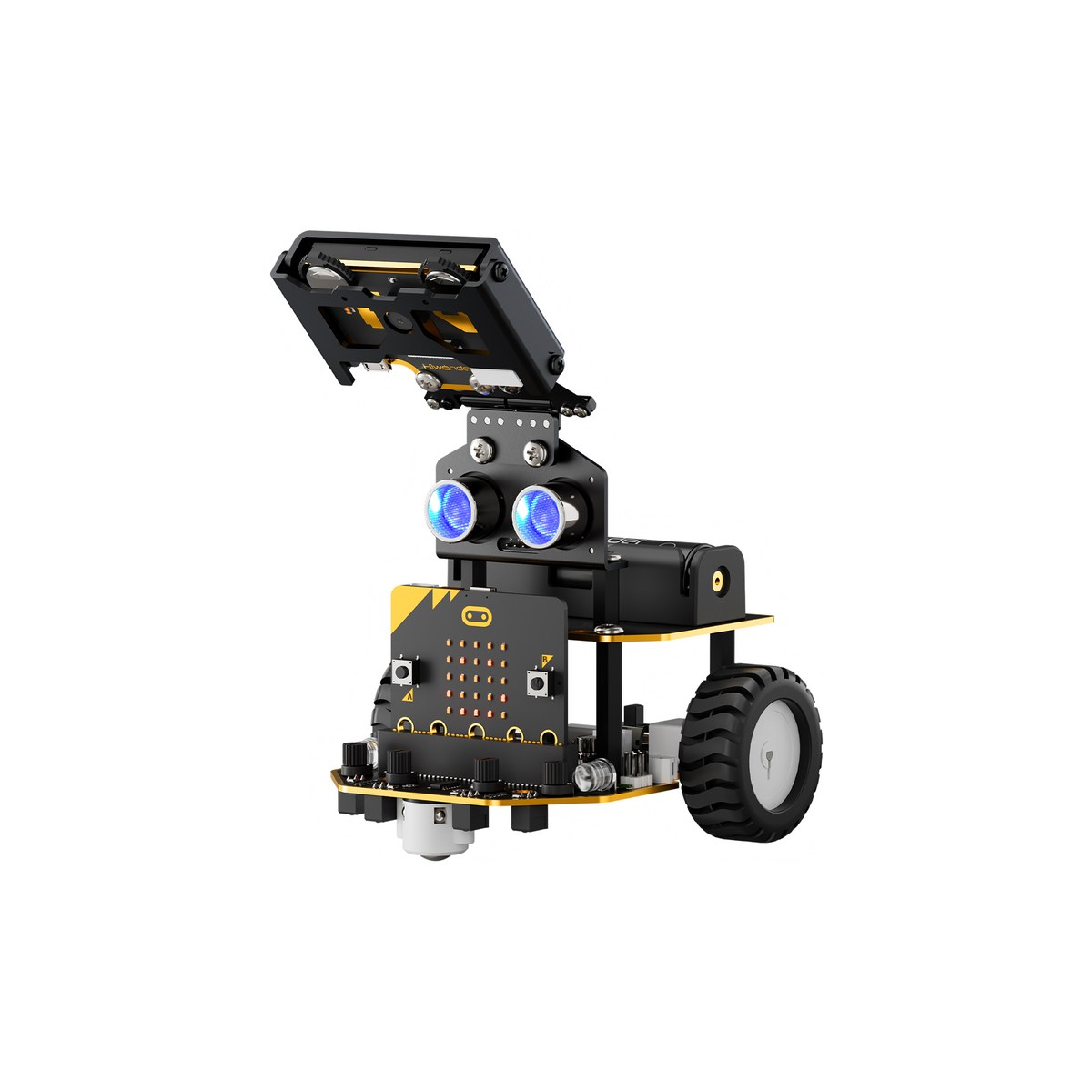
05 · Beginner AI & coding kit
Nexbit
Your first AI and robot coding project
- Recommended for
- Middle elementary to middle school
- Recommended hours
- 3~6차시
An intro program covering sequence, loops, and conditionals — using sensors and modules to build simple robot behaviors and reactive devices.
01 Overview
Overview
Nexbit is a beginner-friendly kit for students new to coding and robots, letting them absorb the basics of sequence, loops, and conditionals naturally.
Simple activities with sensors and modules deliver quick wins — a great fit for after-school and intro experience programs.
02 Key Features
Key Features
Coding fundamentals
Learn core concepts — sequence, loops, conditionals — intuitively.
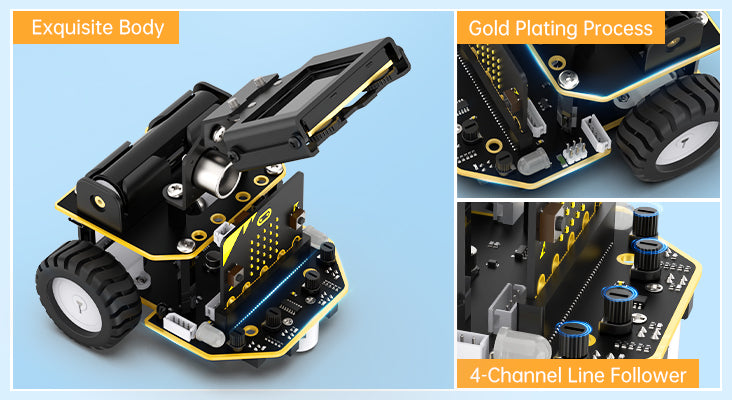
Sensor input handling
Practice input-to-output flow driven by sensor readings.

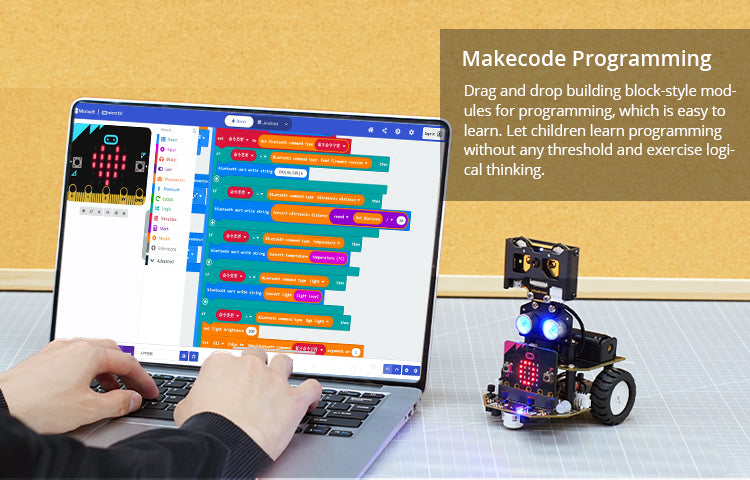
Easy block coding
A block-coding environment even middle-elementary learners can follow.
Short-session friendly
Optimized for 3–6 session runs.
After-school & intros
Highly useful for after-school classes and first coding experiences.
Progression ready
Learners flow naturally on to AI Block, AI Mech, and beyond.
03 Education Points
Education Points
01
Student-led hands-on lessons
Students control the robot themselves to internalize concepts.
02
Sensor-data problem solving
Learners analyze sensor data to complete missions.
03
AI recognition drives robot actions
AI vision and voice recognition results are mapped to robot behavior.
04
Team projects and presentations
Teams complete missions and share their results.
05
Career and advanced exploration
Extends into engineering / AI career exploration and deeper projects.
06
Camp and expo booth use
Suitable for rotating booths and camp missions.
04 Class Structure
Class Structure
| Step | Class name | Core concept | Activity | Est. hours |
|---|---|---|---|---|
| Step 1 | Understand robot structure | Hardware and operating principles | Review parts and follow assembly guide | 1 session |
| Step 2 | Basic control practice | Movement and motion control | Code and run basic motions | 1 session |
| Step 3 | Sensor / AI experience | Sensor data and AI recognition | Practice with sensors and AI modules | 1–2 sessions |
| Step 4 | Mission challenge | Problem-solving thinking | Take on tiered missions | 1 session |
| Step 5 | Team project and demo | Convergent, creative thinking | Plan and present a team project | 1 session |
05 Available Formats
Available Formats
06 Specifications
Specifications
| Product Name | Nexbit |
|---|---|
| Dimensions | 99 × 105 × 150 mm |
| Weight | ~245 g |
| Body Material | Metal bracket |
| Main Controller | micro:bit V2 |
| Display | 2.0-inch LCD (320×240) |
| AI Vision Module | WonderCam (Kendryte K210, 2 MP) |
| Inputs | 4-ch line tracer, active ultrasonic, IR receiver, WonderCam |
| Outputs | RGB LED, buzzer, servo ports, IIC/GPIO, 5×5 LED matrix |
| Power | 18650 Li-ion 1,800 mAh × 1 |
| Protection | Over-current / low-voltage protection |
| Control | Mobile app / Handlebit controller |
| Programming | micro:bit MakeCode (block coding) |
| Recommended For | Middle elementary – Middle school |
| Recommended Sessions | 3–6 sessions |
07 What's Included
What's Included
Base kit
Updating soon- Robot body
- Dedicated controller / board
- Sensor and cable modules
- Charger and power cable
- Storage case
- Class manual
09 FAQ
FAQ
We tailor the robot lineup and curriculum to your institution's goals.
Some product information and images are adapted from Hiwonder's official materials for educational use.